AJsRandom

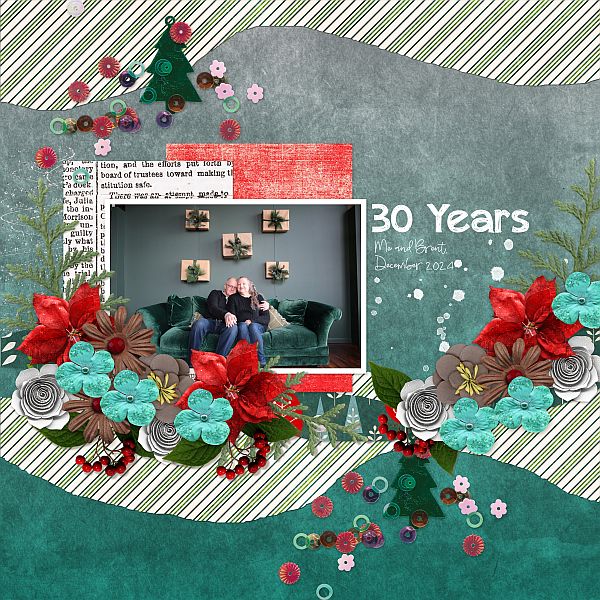
30 Years

  • Media owner AJsRandom
  • Date added
Kit used: Dear Santa by CarolW Designs
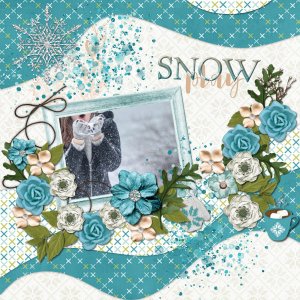
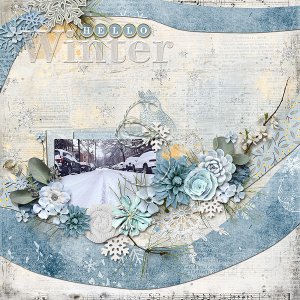
Gorgeous page for the scraplift challenge! Awesome colors and clusters and I love that gorgeous scatter! Love the wall decoration in the photo, too - how clever + festive!
 
What a great try on replicating that template!! Kudos to you!!!
And I can help you with a VERY EASY photoshop tutorial on making those smooth curves. I"ll dm you a video tutorial link when I get a chance to make it. The jist is to draw a rectangle bigger than the wavy size and extend it past the edges of your layout, placing it above the shape you want to replicate, reduce opacity of this shape layer just so you can see both the shape edges of your newly created rectangle and the inspiration shape. Go to ANCHOR POINT tool (it's a pen tool) and place a few anchor points ON YOUR SHAPE LAYER (start with either the top or the bottom of your rectangle, do the other one afterward). Place these anchor points directly on your rectangle shape in the middle of where the peaks and valleys are. Then go to the DIRECT SELECTION TOOL (it's two tools below the pen/anchor point tool). Use that direct arrow tool to click on the anchor points you made and simply drag up/down to create nice, beautifyl curves. If anyone else wants a quick video on how easy it is to do this just dm me. ♥
 

Media information

Category
Scrap-Lift Challenge {2025} Host: Alexis Design Studio
Added by
AJsRandom
Date added
View count
107
Comment count
3
Rating
0.00 star(s) 0 ratings

Share this media

Back
Top