

Key Lime Digi Design
Designer: Key Lime Digi Designs
I used a purchased shadow set, using the "ribbon" setting.
Make a new layer from your shadowed element: Right click the effect layer, create layer, Answer Yes to the pop up. You now have two layers. You can now warp the element. (Edit>Transform>Warp). Practice until it makes sense.


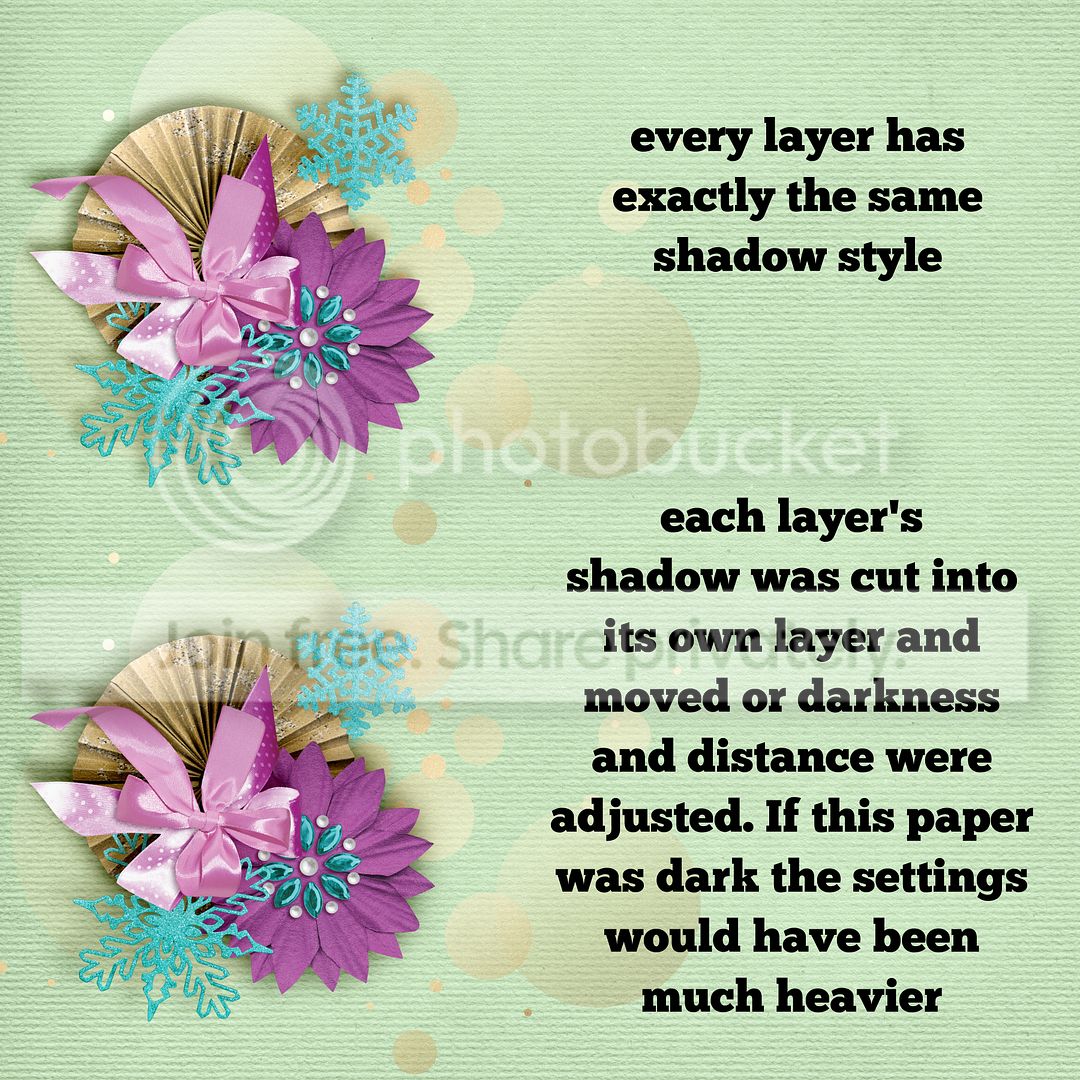
Here is another image that shows the 'extra something' from mixing up your shadows so they are not all identical. In real life they are not, right?
Make a new layer from your shadowed element: Right click the effect layer, create layer, Answer Yes to the pop up. You now have two layers. You can now warp the element. (Edit>Transform>Warp). Practice until it makes sense.
Here is another image that shows the 'extra something' from mixing up your shadows so they are not all identical. In real life they are not, right?